
AI-generated illustration — not a retailer product photo.
WriteUpp is a practice-management platform aimed at healthcare providers. Its public product information covers core administrative and patient-facing workflows, while its subscription guidance makes clear that some communication, video and AI-related needs may depend on allowances or paid add-ons. For a UK clinic, the useful question is not simply whether the platform has the right feature labels, but whether the plan structure matches the way the team books, consults, documents, invoices and communicates.
WriteUpp at a Glance
AI-generated illustration — not a retailer product photo.
WriteUpp presents itself as practice-management software designed for healthcare providers. Its website lists use across professions including counselling, physiotherapy, psychotherapy, speech and language therapy, podiatry, psychology and a range of other private-practice disciplines. That scope makes it relevant to solo practitioners, specialist services and multi-disciplinary clinics that need to evaluate one system across both clinical and administrative work.
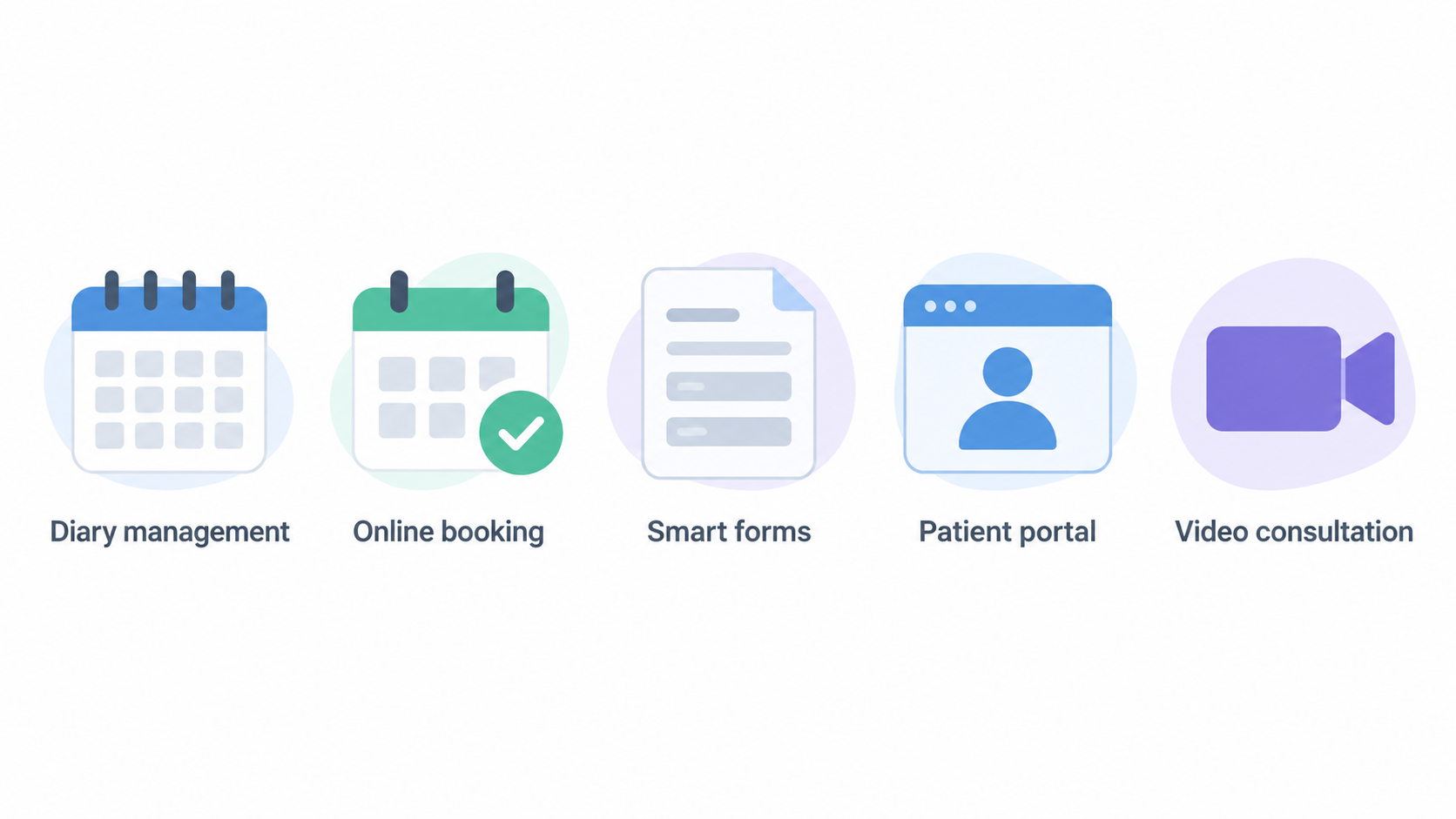
The product’s stated feature set includes diary management, online booking, smart forms, a patient portal, payment processing, video consultation, WriteUpp Pay, AI Medical Scribe, security and data-migration support. The company also states that it provides dedicated UK-based support, is ISO 27001 certified, and offers a 30-day free trial without a credit card. These are useful starting points for a shortlist, although a clinic should still validate its own operational and compliance requirements during procurement.
A sensible evaluation starts by mapping the platform to the practice’s current workflow: how appointments enter the diary, who needs access to records, how patients receive reminders, how consultations are delivered, and how invoices are collected. Clinics comparing several systems may also want to use a broader guide to choosing practice-management software so that the same criteria are applied consistently.
Core Features for Therapists and Clinics
AI-generated illustration — not a retailer product photo.

WriteUpp’s public feature list spans the connected tasks that often sit around a patient appointment. Diary management and online booking are relevant to scheduling, while smart forms and the patient portal suggest ways to collect or share information with patients. Payment processing and WriteUpp Pay sit alongside invoicing and prepayment workflows. For a clinic assessing the platform, the important follow-up is to establish how these functions fit its own roles, approval steps and patient journey.
Video consultation is listed as a product capability, and the subscription information describes a built-in platform for one-to-one video calls. This may be relevant where practitioners deliver remote appointments or need a mixed in-person and virtual service. Practices that require group sessions should distinguish that requirement from one-to-one calls, because group video calling is described separately as a licensed add-on.
The site also highlights AI Medical Scribe. Its subscription documentation describes AI Scribe as an add-on intended to turn speech and conversations into structured notes, assessments and documents. That makes it a workflow area to assess separately from the core subscription: a clinical team should clarify which users need a licence, what documentation process it supports, and whether its use aligns with the practice’s own governance procedures.
For patient access, online booking and the patient portal are prominent parts of the stated product range. Online booking is included at no extra cost on Solo and Group plans according to the knowledge base. A buyer should confirm the exact plan under consideration, the desired booking rules and any integration or payment steps that the practice expects patients to complete.
The platform also names security and easy data migration among its features. These points can be useful when a practice is moving from paper records or another system, but they should be treated as prompts for due diligence rather than proof that every migration or security requirement will be met automatically. Ask WriteUpp to explain the migration process, responsibilities, available support and the controls that matter to your clinic.
Asset placement — Brand range: A simple visual range showing Video Consultation, Online Booking, Patient Portal, Payment Processing and Diary Management would help readers see the main workflow areas at a glance.
Costs, Included Services and Add-Ons
AI-generated illustration — not a retailer product photo.
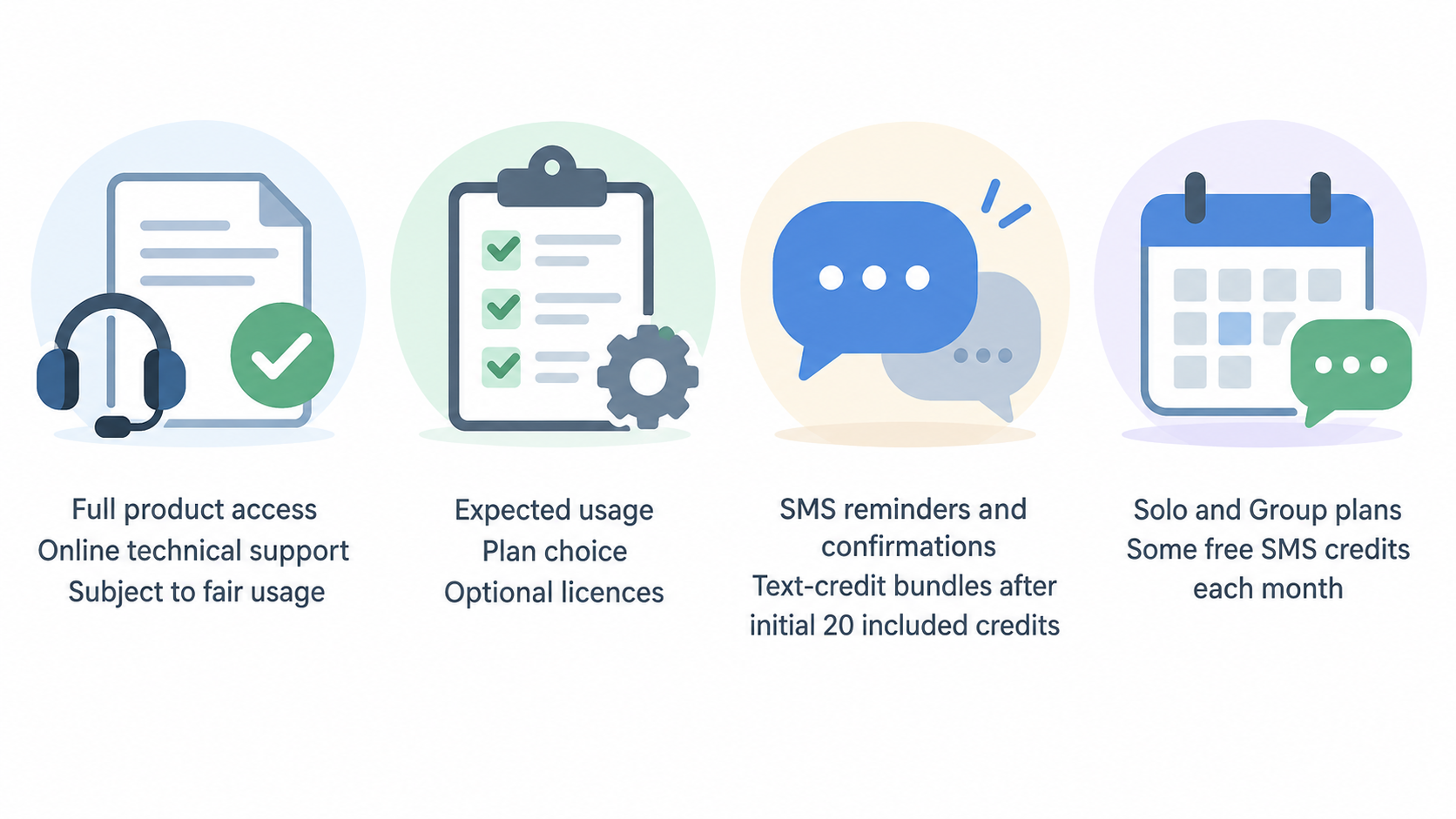
WriteUpp’s knowledge base states that a subscription provides full access to the WriteUpp product and online technical support, subject to fair usage. That is the baseline to establish first, but it is not the whole cost picture. The same guidance identifies several features or services where expected usage, plan choice or optional licences can affect the recurring spend.
SMS reminders and confirmations require text-credit bundles once the initial 20 included credits have been used. The knowledge base adds that Solo and Group plans include some free SMS credits each month. A clinic with a high reminder volume should therefore ask for the applicable monthly allowance, bundle pricing and a realistic estimate based on its appointment numbers, rather than assuming every reminder is covered by the base subscription.
For one-to-one video consultations, WriteUpp says the built-in video platform is included and that each plan comes with 1,000 video minutes. Additional minute bundles can be purchased if required. This makes expected consultation duration and volume a meaningful budgeting input. Group video calls are different: video licences can be added for an extra monthly, per-user cost, and a user assigned such a licence receives unlimited video minutes.
AI Scribe is also described as an additional monthly, per-user licence. It should be costed by the number of practitioners or administrators who genuinely need it, rather than treated as a universally included capability. Separately, WriteUpp says that online booking is included at no additional cost on Solo and Group plans.
The platform can use Stripe for invoice payments and online prepayment. WriteUpp notes that Stripe charges transaction fees, so payment costs should be reviewed alongside the software subscription. Its guidance also refers to Flex, Solo and Group plan options, noting that Solo and Group may offer value for regular SMS use. Ask for current plan pricing and written confirmation of the applicable allowances before making a final comparison.
Asset placement — Decision guide: A compact “included, usage-based, or add-on” guide can separate core access and support from SMS credits, video minutes, group-video licences, AI Scribe licences and Stripe transaction fees.
Potential Limitations and Checks Before You Buy
The supplied information does not establish a universal limitation in WriteUpp’s functionality, but it does identify boundaries that may matter to a particular clinic. SMS is allowance- and credit-based after the initial included amount. One-to-one video has an included minute allowance, while group video requires separate licences. AI Scribe is an optional, per-user add-on. These are planning checks, not negative findings.
Before committing, list the workflows that are non-negotiable for your practice and attach an expected monthly volume to each one. Include SMS reminders, one-to-one video minutes, any group sessions, users needing AI Scribe, online-booking needs and card-payment volume. Then request a plan-specific cost illustration that includes the base subscription, expected add-ons and third-party payment fees.
It is also worth confirming the operational details behind the product labels. For example, ask how online booking will be configured for your service, what the patient portal supports in your intended workflow, how data migration is scoped, and how technical support’s fair-usage condition applies. If the practice handles sensitive clinical information, involve the appropriate operational and governance stakeholders in reviewing security, access and data-handling requirements.
Finally, use the trial and a vendor demonstration to test the clinic’s own journey rather than relying on a feature checklist. Run through booking, a consultation, note creation, payment and follow-up with the roles that will use the system. Any requirement not demonstrated or confirmed in writing should remain an open procurement question.
Who WriteUpp May Suit
WriteUpp may be worth shortlisting for private healthcare practices that want one platform to evaluate across scheduling, booking, forms, patient access, payments and video consultations. Its stated profession coverage includes therapists and clinics in areas such as counselling, physiotherapy, psychotherapy, podiatry, speech and language therapy, psychology and multi-disciplinary care. The product’s broad stated scope may be particularly relevant where a practice is trying to reduce the number of separate tools around the appointment lifecycle.
It may also be a practical candidate for teams that want to compare remote-consultation and payment workflows within the same practice-management evaluation. Buyers should model one-to-one video usage against the included minutes, and separately identify whether group calls are required. Clinics considering AI-assisted documentation should price AI Scribe by the users who need it and validate the workflow with their own governance process.
A stronger fit is not something that can be inferred from profession alone. A solo practice and a larger clinic can both need booking and reminders, yet have very different SMS volumes, user roles, payment flows and support expectations. Solo and Group plans include online booking and some monthly free SMS credits, while the right value comparison depends on the actual plan, usage and paid extras.
Compare alternatives when a vendor cannot clearly demonstrate the workflows that matter most to your team, when projected add-on or transaction costs make the total cost uncertain, or when migration, security or patient-access requirements need more specific confirmation. A simple shortlist checklist should cover the appointment journey, number of users, monthly communication and video needs, group-session requirements, payment costs, migration scope and the evidence needed for internal approval.
Frequently Asked Questions
What is included in a WriteUpp subscription?
WriteUpp states that a subscription includes full access to the product and online technical support, subject to fair usage. The exact plan still matters: Solo and Group plans include online booking at no extra cost and include some free SMS credits each month. Confirm the current plan details and allowances with WriteUpp before purchasing.
Does WriteUpp include online booking?
Yes. WriteUpp lists online booking among its product features, and its knowledge base says that online booking is included at no extra cost on Solo and Group plans. Ask the vendor which plan is appropriate and how booking can be configured for your services and patient journey.
How do video consultation minutes work in WriteUpp?
WriteUpp says its built-in platform for one-to-one video consultations is included with a subscription and comes with 1,000 video minutes. Additional minute bundles are available if needed. Group video calling is separate: it requires an additional monthly licence per user, and licensed users receive unlimited video minutes.
Are SMS messages and AI Scribe included in the subscription?
The first 20 SMS credits are included, after which further credits must be purchased; Solo and Group plans also include some monthly free SMS credits. AI Scribe is described as an optional monthly, per-user add-on. Both should be included in a plan-specific budget rather than assumed to be part of the base subscription.
To explore whether WriteUpp matches your clinic’s workflow, use a trial or demonstration to validate your real booking, consultation, documentation and payment journey before selecting a plan.
Sources
Related reading
- Best practice management software for UK private clinics: evidence-led top choices
- Cliniko review for UK private practices: strengths, limits, and alternatives
- Pabau review for UK clinics: features, pricing model, and practical fit
- How to budget for practice management software: total cost of ownership for UK clinics
Editorial information: About our editorial team · Read our editorial policy · Read our affiliate disclosure.