AI-generated illustration — not a retailer product photo.
Semble at a glance
AI-generated illustration — not a retailer product photo.
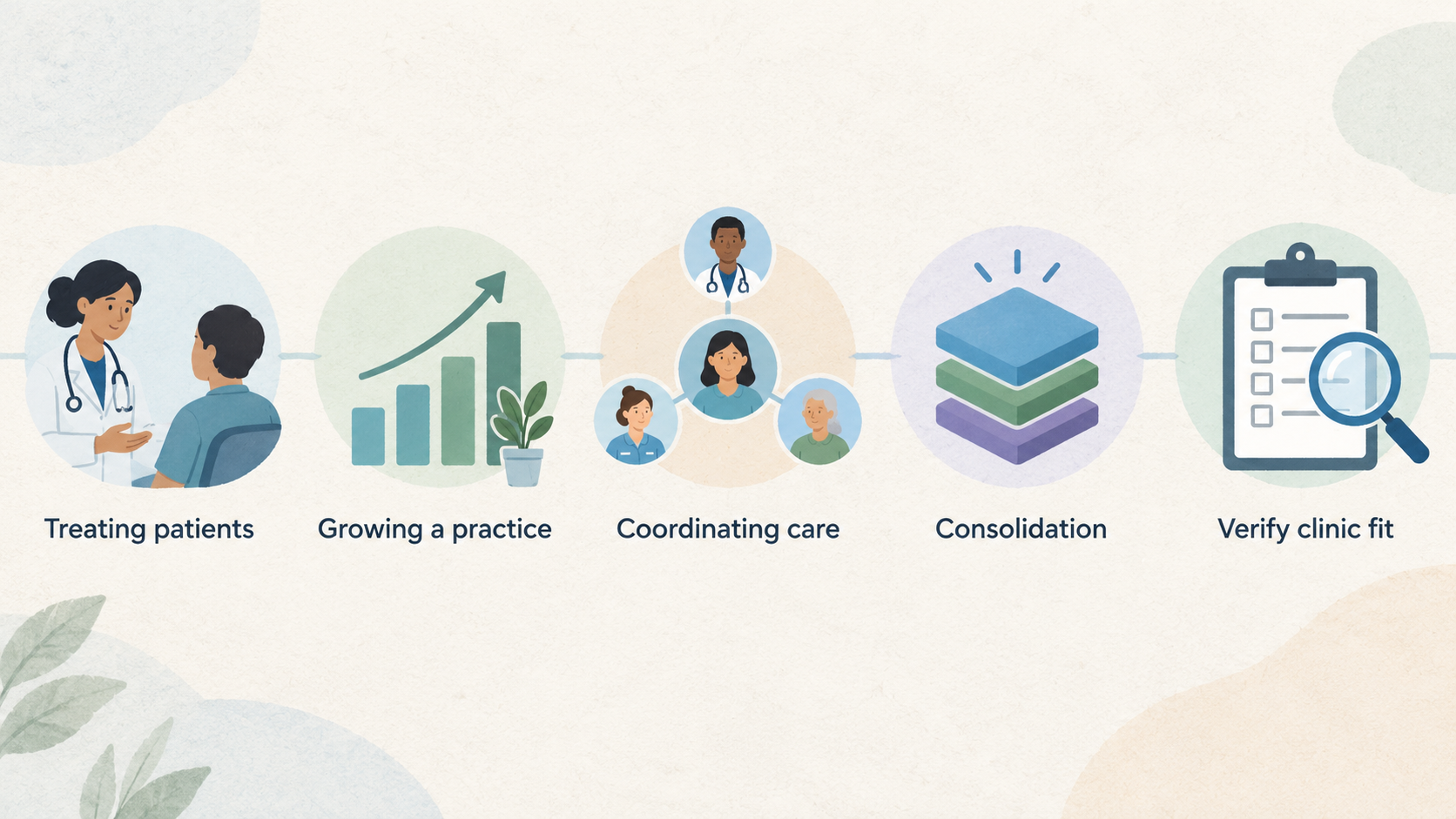
Semble positions its platform as a single system for treating patients, growing a practice and coordinating care. Its public platform information groups clinical work, appointment administration and business operations within the same product, rather than presenting them as unrelated point solutions.
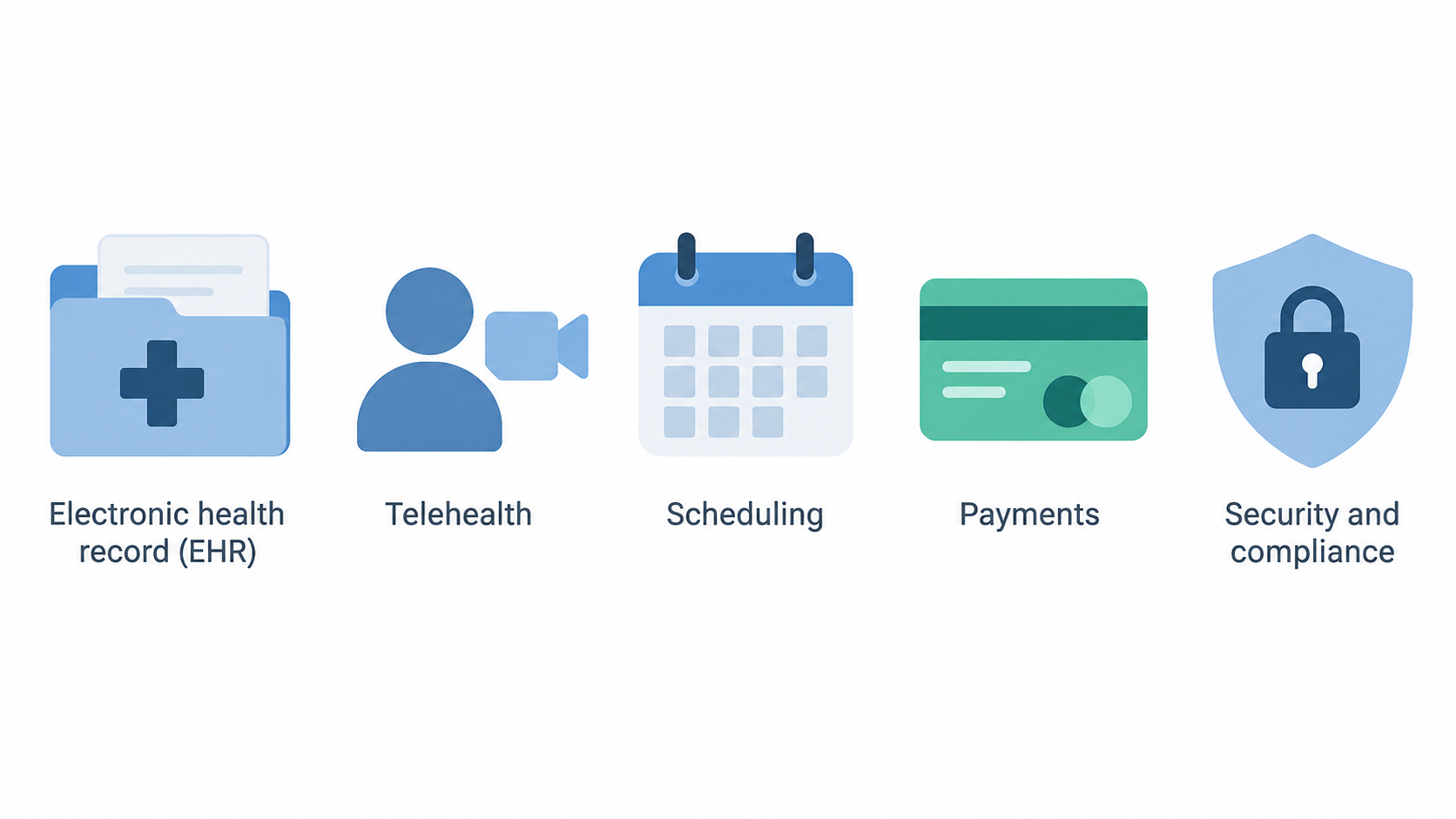
For a UK private clinic, that positioning is relevant if the current experience is fragmented: for example, if staff move between a clinical record, a calendar, a video-consultation service, billing tools and separate reporting. Semble says its platform covers an integrated electronic health record (EHR), telehealth, scheduling, patient experience, payments, data and security and compliance.
That breadth is a useful starting point, but not a reason to assume an automatic fit. A sound decision depends on the clinic’s own patient journey, specialties, user roles, current systems and commercial requirements. This review therefore treats Semble as a platform to evaluate against real workflows, not as a universal recommendation.
For broader buying criteria, see our guide to practice management software for private clinics.
What Semble is designed to cover
AI-generated illustration — not a retailer product photo.
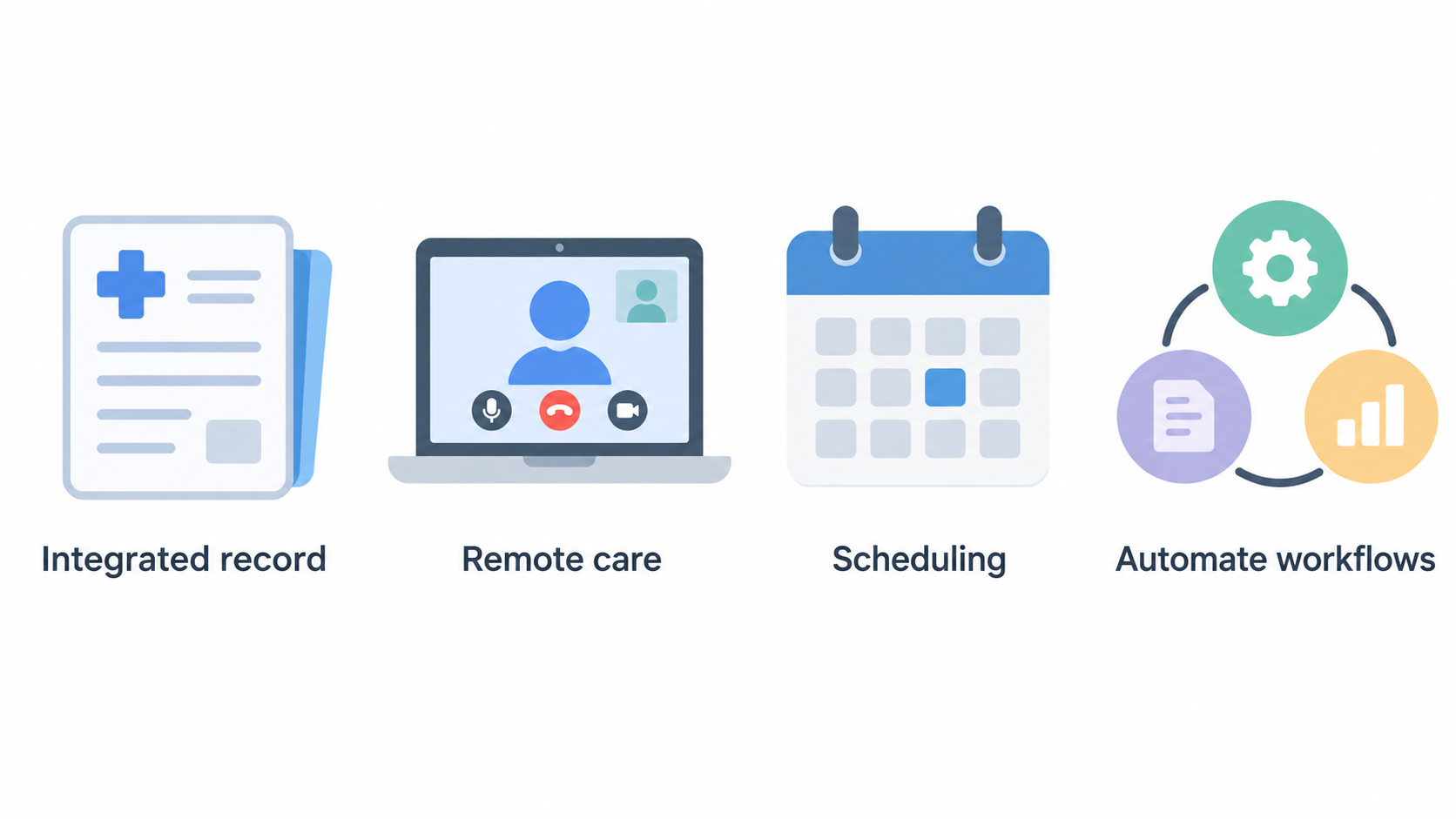
Semble’s public platform page divides its offer into several connected areas. At the clinical core, it describes an EHR intended to let teams consult, prescribe and treat from one integrated record. It also presents integrated telehealth for remote care.
On the operational side, Semble says scheduling can be managed in one place. Semble Connect is described as a way to connect business tools and securely automate workflows. The platform also highlights patient experience, Semble Pay for billing and payments, and data for optimising and scaling practice performance.
The vendor additionally lists security and compliance, data migration and API documentation as platform areas. These are relevant categories for a clinic replacing a legacy system or seeking to connect other services, but the public grouping does not establish the implementation scope for a particular buyer.
In practical terms, the right question is not whether every category sounds useful. It is whether the clinic can reduce meaningful hand-offs in its own route from booking to consultation, treatment, follow-up and payment. A clinical team may begin with the EHR software for private practices comparison, while an operations lead may focus on the online appointment scheduling guide.
Potential strengths for private clinics
The clearest potential strength is consolidation. Semble states that its EHR supports consulting, prescribing and treating in one integrated environment, while telehealth and scheduling sit within the wider platform. For a clinic that currently reconciles records and appointment data across multiple systems, this stated design could be worth testing in a live demonstration.
Semble also says it connects with labs, pharmacies, AI scribes and more. Its Semble Connect area is presented as a way to connect business tools and securely automate workflows. That may appeal to clinics whose administrative burden comes from moving information between clinical and non-clinical systems. The important next step is to test the exact connection a clinic depends on, including the data fields, trigger points, ownership of failed tasks and any additional costs.
For revenue operations, Semble Pay is described as helping to streamline billing and payments. The platform also presents patient experience and performance data as areas for growing and optimising a practice. These may be especially relevant where missed payments, inconsistent patient communications or limited operational reporting are current concerns.
These are vendor-described capabilities, not independent findings on usability or outcomes. Clinics should translate the statements into a short workflow test: booking, clinician preparation, consultation, treatment, invoice, payment and reporting. Our resources on clinic workflow automation and private-clinic payment systems can help frame that test.
Limitations and unanswered questions
Public platform information is not enough to confirm how Semble would work in a particular clinic. It does not, by itself, prove implementation quality, onboarding effort, migration complexity, integration depth, support responsiveness, package inclusions or final commercial terms. A buyer should avoid treating broad platform categories as a complete specification.
Semble presents security and compliance as a platform area and says it aims to protect patient data and support CQC compliance. Those statements identify an area to investigate, but they do not replace the clinic’s own due diligence. Buyers should request current documentation and contractual clarification relevant to their own data-protection, governance and regulatory obligations.
The same caution applies to data migration and API documentation. Semble states that it offers data migration and an open EHR with API documentation, but the supplied public information does not confirm the effort, timing, data coverage, validation process or integration behaviour for an individual implementation.
Before approval, establish what is included, who owns each migration task, how exceptions are handled and what evidence will demonstrate a successful cutover. Use a structured healthcare software security due-diligence process rather than inferring assurances from marketing language.
Who Semble may suit
Semble’s stated solution categories suggest several fit hypotheses. It identifies solo practitioners as a group that may need one system to book, consult, treat and bill. A solo or small private practice may therefore want to investigate whether combining these routine activities would remove enough administration to justify a platform change.
The platform also identifies corporate and occupational-health providers, describing a need to deliver employer contracts with quality-assured care and audit-ready reporting. That makes Semble worth shortlisting for teams where contract delivery, reporting and care coordination are central operational requirements. The public information also refers to enterprise use cases, which may be relevant to larger or more complex organisations.
None of these categories determines suitability on its own. A smaller clinic with specialist referrals or unusual payment rules may need deeper integration support than a larger, standardised operation. Conversely, a larger team may value a consolidated workflow but require role controls, reporting and migration planning that go beyond a basic demonstration.
The strongest fit is likely to be a clinic that can clearly describe the workflow it wants to improve, the external services it must retain and the data it needs to report. Start that comparison with our guide to choosing practice management software.
What to verify before choosing Semble
AI-generated generic editorial illustration — not a retailer product photo and does not depict the reviewed product or service. Make the pre-purchase verification process scannable without implying unverified product claims.
 Use the platform description to prepare a buyer-specific evaluation, then ask Semble to confirm the details that affect your clinic. Start with workflows: map a normal appointment from enquiry and booking through consultation, treatment, follow-up, invoice and payment. Include exceptions such as cancellations, split payments, clinician absences and clinical handovers.
Check user roles as well. Ask each group—reception, clinicians, managers, finance and any external partners—to perform the steps they would use. The goal is to establish whether the stated EHR, telehealth, scheduling, patient experience and payment capabilities work together in the way your team needs.
For integrations, list every lab, pharmacy, AI scribe and business tool that matters to the clinic. Semble states that it connects with these kinds of services and provides API documentation, but ask which specific connections are available, what data flows in each direction, how failures are surfaced and who provides support.
Treat migration as a separate workstream. Request a proposed data scope, mapping approach, historical-record handling, validation method, test migration and rollback or contingency plan. Confirm responsibilities and timing before signing. Our healthcare data migration checklist can help structure the discussion.
Finally, seek written answers on pricing and package scope, payment processes, data access and export, security documentation, compliance responsibilities, service and support arrangements, and contract terms. Ask Semble to demonstrate the clinic’s real appointment-to-payment journey rather than a generic scenario. See our practice software demo checklist for questions to take into that session.
If the demonstration and written answers align with the clinic’s requirements, use the next step below to arrange a Semble discussion.
Frequently Asked Questions
What does Semble say its platform includes for private clinics?
Semble presents one platform covering an integrated EHR, telehealth, scheduling, workflow connections, patient experience, billing and payments, data, security and compliance, data migration and API documentation. A clinic should confirm which of these areas are included in its proposed package and how they apply to its workflows.
Does Semble support telehealth and appointment scheduling?
Yes. Semble says its platform includes integrated telehealth for remote care and scheduling for managing appointments in one place. The supplied information does not confirm the precise configuration, limits or commercial availability for an individual clinic, so those points should be verified during a demonstration.
Can Semble connect with third-party healthcare and business tools?
Semble says it connects with labs, pharmacies, AI scribes and more, and describes Semble Connect as a way to connect business tools and securely automate workflows. It also lists API documentation. Ask Semble to validate the exact systems and data flows required by your clinic.
What should a UK private clinic ask Semble about security and compliance?
Ask for current security documentation, data-processing and contractual information, role and access arrangements, incident and support processes, data export options, and the evidence relevant to your own compliance obligations. Semble presents security and compliance as a platform area and refers to CQC compliance, but buyer-specific confirmation remains necessary.
Sources
Related reading
- Best practice management software for UK private clinics: evidence-led top choices
- Cliniko vs Semble for UK private clinics: workflow, scale, and buying fit
- Cliniko review for UK private practices: strengths, limits, and alternatives
- Practice management software data protection and security checklist for UK clinics
Editorial information: About our editorial team · Read our editorial policy · Read our affiliate disclosure.