Selecting practice management software is a clinic operating decision, not a feature-count exercise. The right system should support the way your team delivers care, administers appointments and payments, protects patient information, and responds when something goes wrong. This guide provides a structured way to compare options without assuming that one deployment model or supplier is automatically right for every clinic.
Choosing Practice Management Software: The Decision in Context
AI-generated illustration — not a retailer product photo.
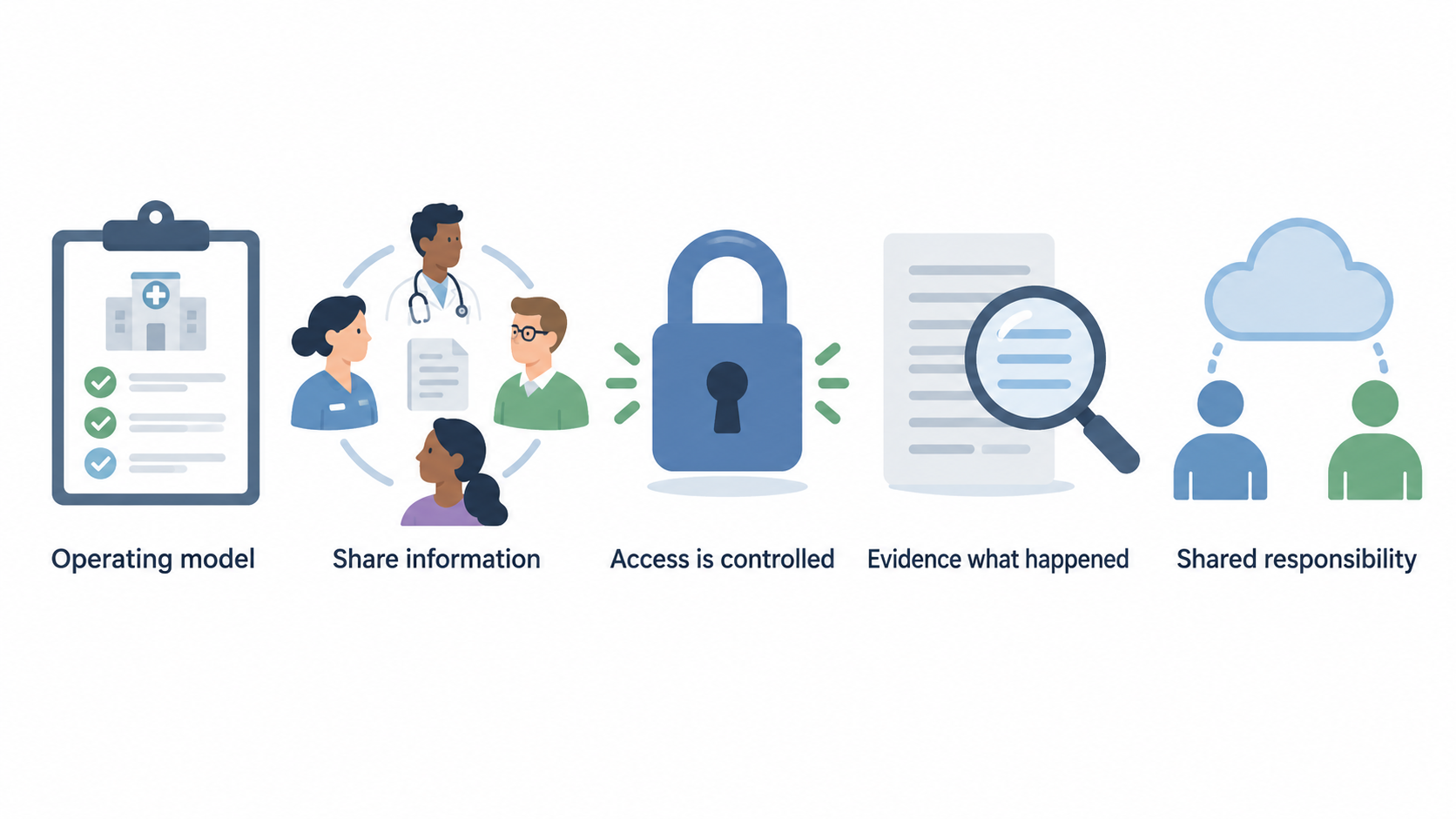
A private clinic’s choice affects far more than booking. It can shape how reception, clinicians, finance staff and managers share information; how access is controlled; and how readily the clinic can evidence what happened in the system. Start with the clinic’s own operating model, then test whether each supplier can support it safely and sustainably.
For cloud-hosted software, the supplier’s controls are only one part of the picture. The UK National Cyber Security Centre (NCSC) advises organisations to determine whether a cloud provider is “secure enough” for their own requirements and to understand the relevant shared responsibility model. In practical terms, establish which controls the provider operates, which settings the clinic must configure, and who owns routine oversight.
A defensible decision therefore brings together workflow fit, access and security assurance, data-processing terms, integration and migration feasibility, and a realistic implementation plan. A polished demonstration can be useful, but it is evidence only when it shows the clinic’s priority scenarios and the supplier can explain the conditions, configuration and responsibilities behind it.
For a broader decision framework, see the private-clinic operations workflow guide and the practice-management-software comparison hub.
Start With Your Clinic’s Operating Requirements
AI-generated illustration — not a retailer product photo.
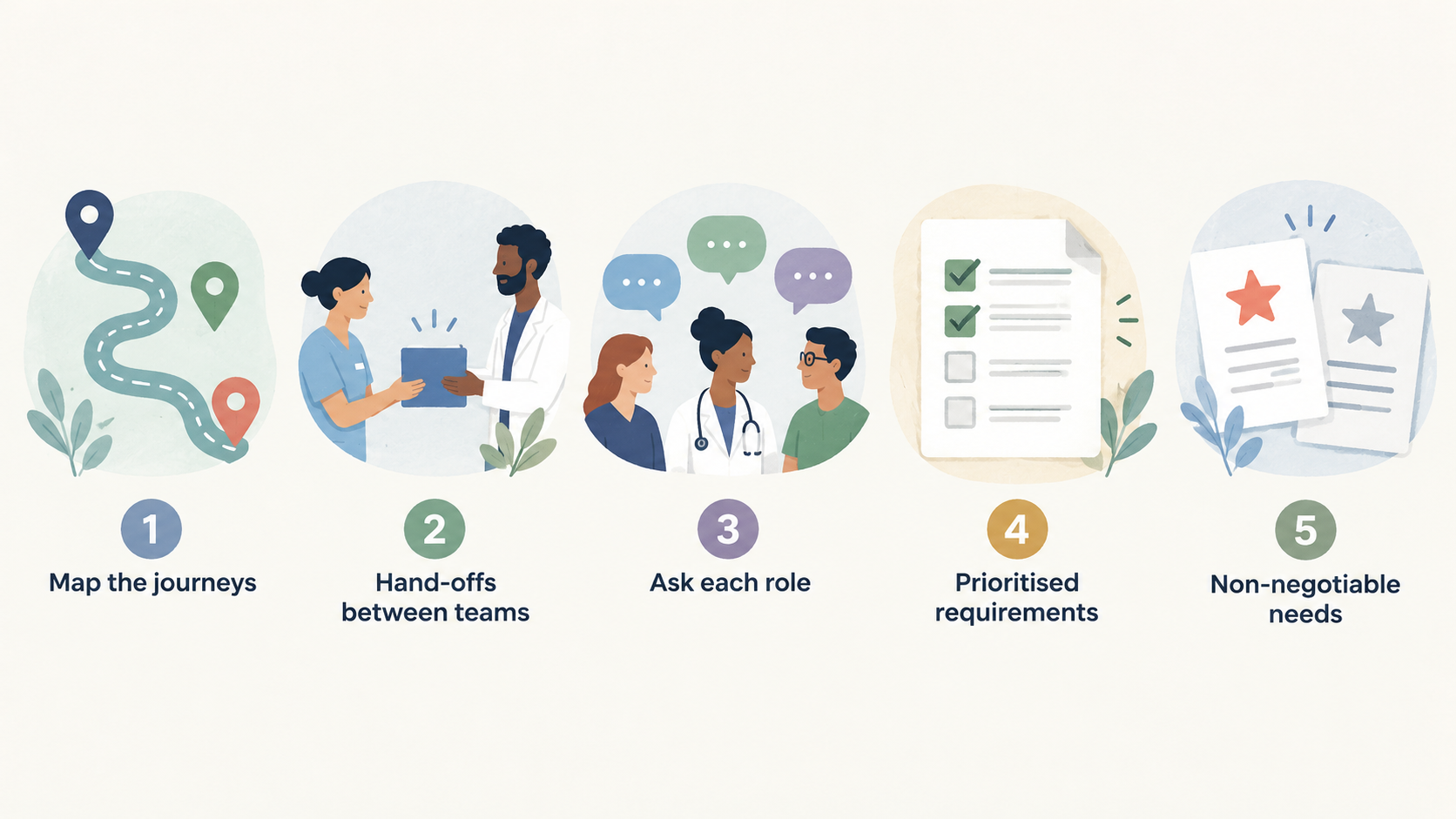
Before reviewing suppliers, map the journeys the system must support. Include enquiry handling, appointment booking and changes, clinician schedules, consent and document handling, follow-up activity, invoicing and payment processes, reporting, and the hand-offs between teams. Ask each role where delays, duplicate entry, missed information or workarounds occur today.
Turn that map into prioritised requirements. Separate non-negotiable needs from preferences, and describe them as scenarios rather than generic features. For example: “A receptionist must be able to reschedule a multi-stage appointment while preserving the correct clinician, room, notification and payment consequences.” A scenario is easier to test in a demonstration than a request for “flexible scheduling”.
Record the clinic’s scale and constraints as well: number of locations, specialties, practitioner arrangements, delegated administration, remote working, existing systems, reporting needs and expected changes over the contract period. Specify what information must move between systems and what must remain available if an integration is delayed or unavailable.
Assign an owner and acceptance measure to every high-priority requirement. This produces a scorecard that compares suppliers on the same basis and prevents a strong capability in one area from concealing a critical gap elsewhere. Where a requirement involves clinical, legal, security or financial judgement, bring in the appropriate internal lead or specialist adviser.
A clinic workflow-mapping template can help turn these observations into an evaluation pack.
Assess Security, Access and Supplier Assurance
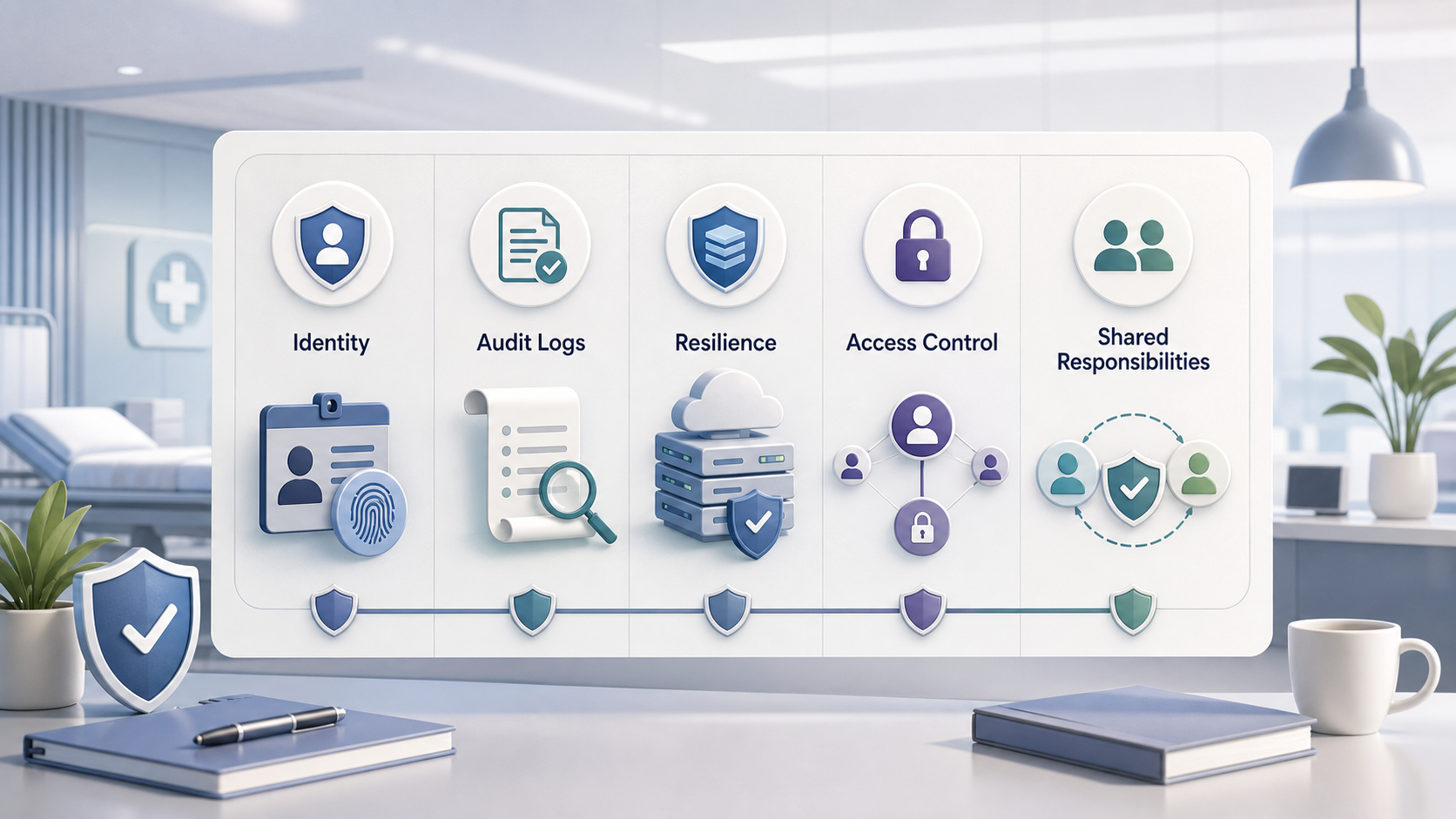
For a SaaS product, assess the service and the clinic’s use of it together. The NCSC’s cloud guidance identifies areas including asset protection and resilience, governance, supply-chain security, secure user management, identity and authentication, audit information and secure use of the service. These categories provide a practical prompt list for supplier conversations; they are not a substitute for a clinic-specific risk assessment.
Ask the supplier how identities are created, changed and removed; whether role-based permissions, multi-factor authentication and delegated administration are available; and how privileged access is controlled. Establish what audit information customers can obtain, how alerts or unusual activity are handled, and what support is available during a security incident. Ask about availability arrangements, backups, restoration objectives, testing and service communications, then decide whether the answers meet the clinic’s tolerance for interruption.
Document the division of responsibilities. A provider may operate the underlying platform, but the clinic may remain responsible for user provisioning, permission reviews, local devices, data entered into the service and secure configuration choices. The NCSC specifically advises that cloud users understand security responsibilities and gain justified confidence that a provider will handle data responsibly when a third party processes it (Choosing a cloud provider).
Request evidence proportionate to the risk, note any limitations or exclusions, and record unresolved questions. The security assurance checklist and cloud shared-responsibility explainer can support a consistent review.
Check Data Protection, Contracts and Accountability
Identify the parties’ roles before treating a product as ready to buy. Where a supplier processes personal data for the clinic, establish the intended controller–processor relationship, the processing activities involved and whether other parties will have access. Do not rely on labels alone: ask the supplier to explain its role, the purposes and instructions it acts under, and the arrangements for sub-processors.
The Information Commissioner’s Office (ICO) explains that controller–processor contracts matter because they set out required terms, responsibilities and liabilities under UK GDPR guidance. Use its contracts and liabilities guidance as a starting point for the questions that need answering, and obtain appropriate legal or data-protection advice where the clinic needs it.
During evaluation, ask how the agreement addresses documented instructions, confidentiality, security measures, assistance with relevant data-protection obligations, sub-processor controls, incident communication, return or deletion of data at the end of service, and audit or information rights. Check whether the commercial terms, product documentation and actual operating model tell the same story.
Keep a written record of decisions, assumptions and owners. This makes it easier to see whether a supplier response is sufficient, what needs contract clarification, and what controls the clinic itself must operate. The UK GDPR for private clinics guide and data-processing-agreement checklist can help structure this review.
Test Integration, Migration and Continuity Constraints
An attractive product can still be a poor fit if the clinic cannot connect it reliably to essential services or move data into it with confidence. List every critical dependency: website or referral capture, messaging, payments, finance, reporting, identity services, clinical systems and document storage. For each one, confirm whether the proposed connection is native, configurable, partner-delivered, custom-built or manual.
Test priority workflows end to end in demonstrations or controlled trials. Use realistic roles, permissions, patient-data handling rules and exception cases. Ask what happens when an integration fails, data is duplicated, a user loses access, a migration record is rejected or a scheduled service is unavailable. Capture the answer as a requirement, limitation, configuration dependency or supplier commitment—not as an informal assurance.
Plan migration early. Define the source data, data-quality checks, fields to be mapped, files or records that cannot move, reconciliation approach, training, cutover period and rollback or contingency arrangements. Also examine data export and exit options before signing, including format, timescale, support, cost and the clinic’s ability to retain records appropriately.
The NCSC’s cloud-security guidance includes resilience and secure-use considerations that are relevant when judging these dependencies. A practice-software data-migration guide and integration checklist can turn the findings into a controlled rollout plan.
Run a Structured Evaluation and Procurement Process
AI-generated generic editorial illustration — not a retailer product photo and does not depict the reviewed product or service. Make the structured evaluation sequence immediately understandable before readers begin vendor comparisons.
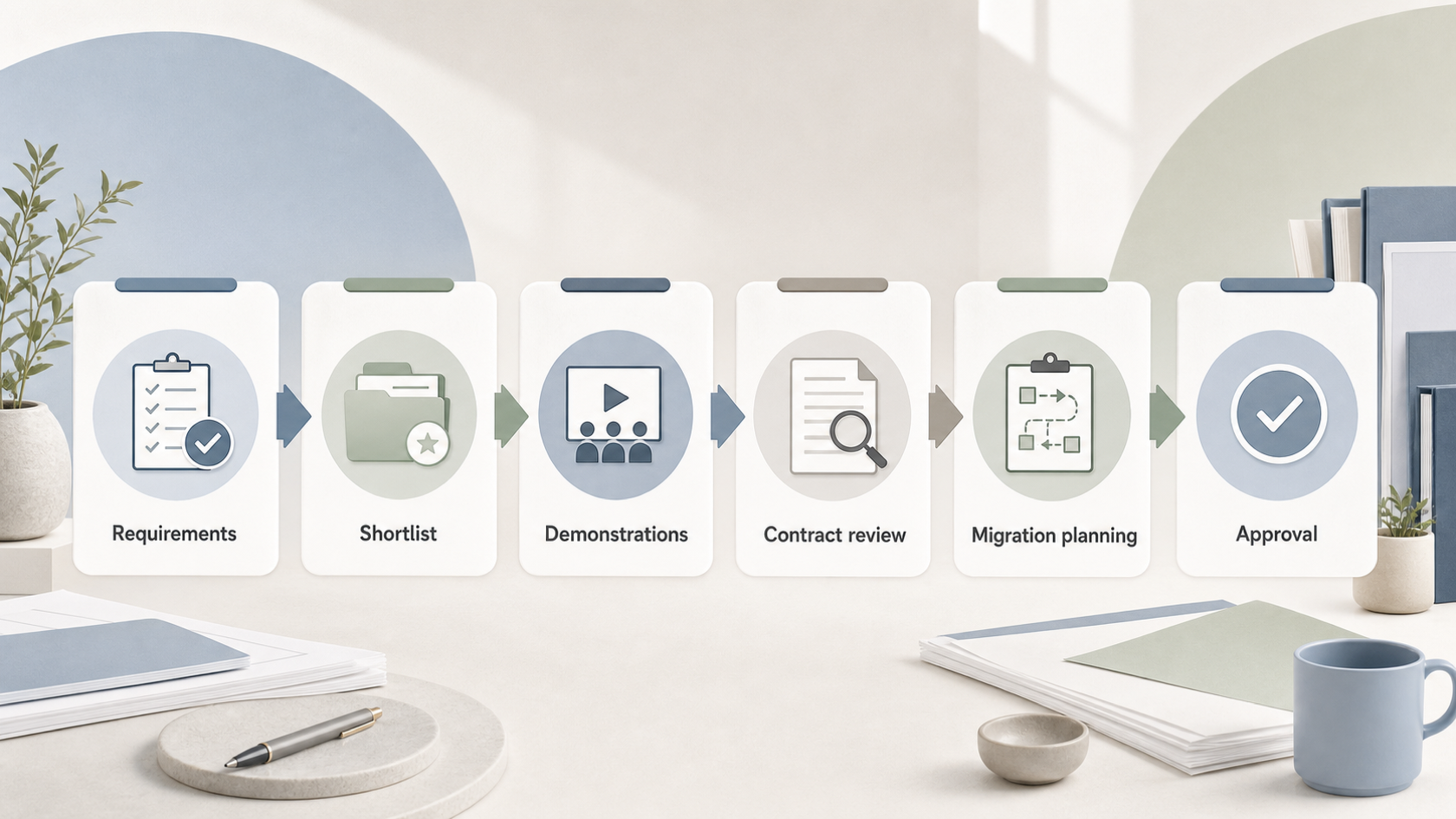 Use one repeatable process for every shortlisted supplier:
- Approve the requirements, priorities, risk owners and evaluation criteria before demonstrations begin.
- Create a shortlist using the same minimum criteria, including workflow fit, security and access controls, data-processing arrangements, integrations, commercial terms and implementation capacity.
- Give suppliers realistic scenarios and require them to show how the proposed configuration supports them. Record evidence, caveats, unavailable capabilities and follow-up actions.
- Score suppliers against the agreed criteria, but keep narrative evidence alongside scores. A numerical total should not override an unresolved high-risk issue.
- Complete contractual, data-protection, security and reference checks appropriate to the clinic’s circumstances. The NCSC recommends building confidence in a third-party provider’s responsible handling of data, with independent assurance where justified.
- Approve a migration, training, support, continuity and governance plan before committing to a launch date.
Maintain a decision log that distinguishes confirmed evidence from supplier proposals, assumptions and open risks. Name an owner and target resolution for each open item. This makes approval accountable and provides a useful baseline once the service is live.
The ICO’s guidance on controller–processor contracts is especially relevant to the contract-review stage; it explains why the required arrangements should be examined rather than treated as standard paperwork. Use a software-procurement scorecard template and a private-clinic implementation plan to keep the review comparable from shortlist to rollout.
Frequently Asked Questions
Should a UK private clinic choose cloud-based practice management software?
Cloud-based software may be appropriate when it fits the clinic’s workflow, resilience, access and governance requirements. It should not be chosen solely because it is cloud-based. Assess the supplier’s controls and the clinic’s responsibilities under the shared-responsibility model, then compare the resulting risks and operating requirements with alternatives.
What should we ask a software supplier about patient-data processing?
Ask the supplier to explain the parties’ data-protection roles, processing instructions, sub-processor arrangements, security measures, incident communication, assistance obligations, retention, and return or deletion arrangements at the end of service. Check the answers against the proposed contract and seek specialist advice where needed. The ICO’s controller–processor guidance is a useful starting point.
How can we compare demonstrations from different practice management software vendors?
Give every supplier the same prioritised, realistic scenarios and require each to demonstrate the proposed configuration. Capture what was shown, limitations, dependencies, assumptions and unresolved questions. Score against pre-agreed criteria, but treat material risks separately so a high overall score cannot obscure a critical gap.
What should be agreed before migrating clinic data to a new system?
Agree the source data, mapping, data-quality and reconciliation checks, responsibilities, testing, training, cutover timetable, contingency arrangements and post-launch support. Also establish in advance how the clinic will access or export data if the relationship ends. The final plan should identify who approves readiness and how unresolved migration risks are escalated.
Ready to turn your shortlist into a documented decision? Use the clinic software procurement scorecard to run consistent demonstrations, evidence reviews and approvals.
Related reading
- Best practice management software for UK private clinics: evidence-led top choices
- Cliniko vs Semble for UK private clinics: workflow, scale, and buying fit
- Practice management software data protection and security checklist for UK clinics
- How to compare practice software free trials, contracts, and genuine value
Editorial information: About our editorial team · Read our editorial policy · Read our affiliate disclosure.